




 Chicken Road 2
Straightforward breakdown: movement mechanics, when to collect, and what actually changes between difficulty settings.
Demo mode • registration not required • payment details not needed
First time with Chicken Road 2? The concept takes less than a minute to grasp. One chicken, a busy road, lanes marked with numbers, and a growing payout as long as you advance.
Difficulty doesn't alter the core mechanics – it adjusts lane count, which directly affects risk exposure. It's the single choice that matters, and you make it with one tap before starting.
Below, we cover payouts, the four available modes, and device compatibility. Spend a few rounds in demo mode: it costs nothing, requires no account, and prevents nasty surprises when you switch to Hardcore with actual stakes.
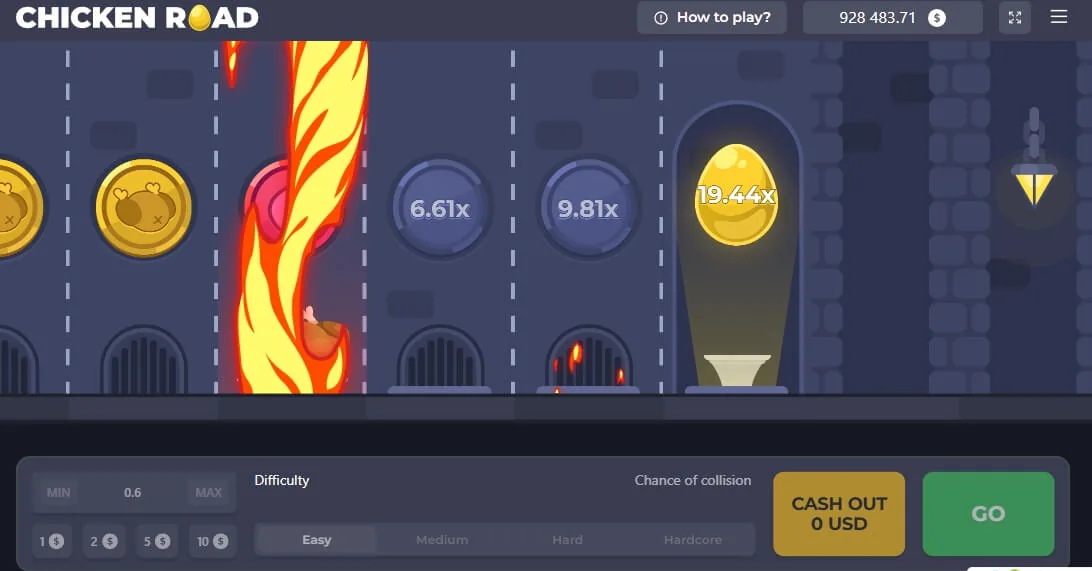
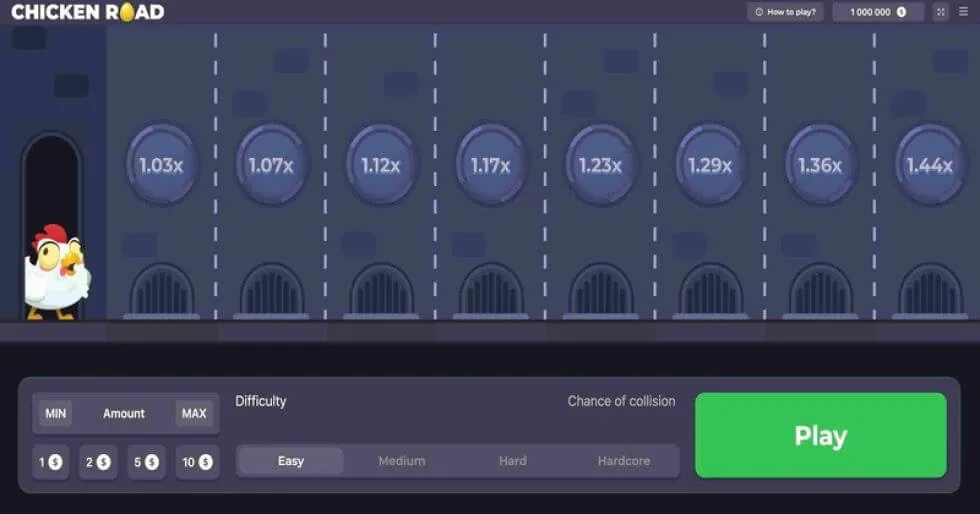
Every lane displays its multiplier. Early lanes pay almost nothing – which is exactly what tempts players to push further than they intended.
Changing difficulty doesn't adjust multipliers – it alters the number of lanes you'll face, which determines traffic density.
Easy, Medium, Hard, Hardcore. That's the only choice you make before the round begins.
Every tap moves the chicken forward by one lane and updates the multiplier displayed.
The collect button remains active until collision. That's where the entire game lives.
Built in HTML5: plays directly in your browser with no downloads required and no separate app. The interface adjusts to your screen dimensions.
The demo mirrors the paid version exactly: identical difficulty options, identical payouts, identical controls.